
Everyday work
Tasks
One list of everything that has to be done, with a personal Today view, filters, layouts and bulk changes.
Tasks holds every task in the firm that you can see: the ones you create by hand and the ones recurring work creates every cycle.
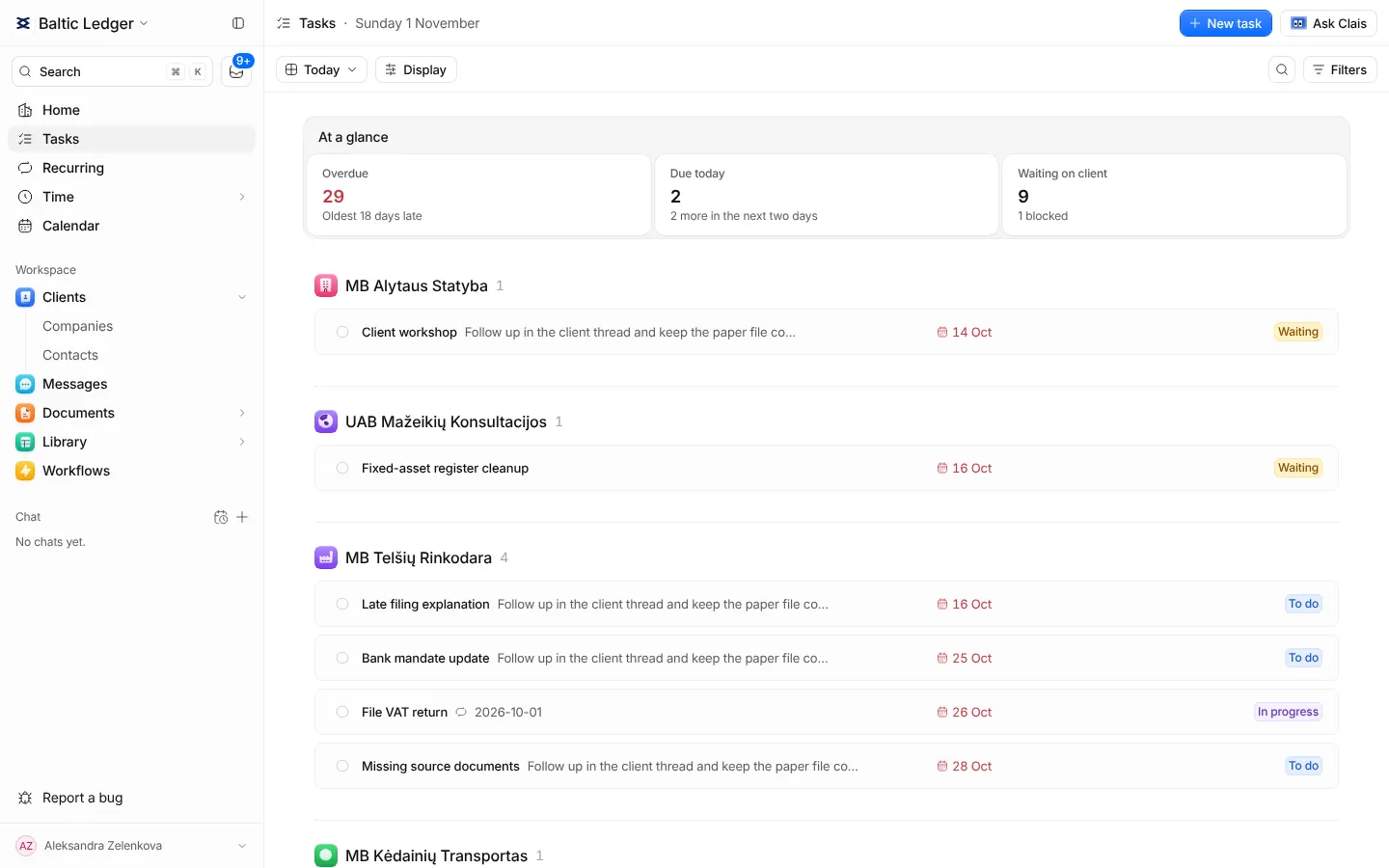
Today and All tasks
The view switch in the toolbar has two views with the same filters and display settings:
- Today is your own queue: what is overdue, what is due today and what comes in the next two days.
- All tasks is everything, one-off and recurring together, with upcoming cycles shown where you want them.
Filter by client, person, priority, status and date, and search by name. The address keeps your filters, so a link to a filtered list opens the same list for a colleague.
Create a task
- Press New task.
- Type what has to be done, for example "Send the September VAT return".
- Choose the client, and set the date it is due by. On that day it shows on your Home.
- The rest is optional: who does it, who helps, priority, a description, files. Press Create task.
Inside a task
A task has its status, its people, its due date and a discussion. Break bigger work into checklist steps; each step opens as a page of its own inside the task, with its own notes. A task linked to a document always shows the document's latest version.
Statuses
Every firm works with its own statuses. Owners and admins change them, add new ones or go back to the default set on Settings → Task statuses.
Changing many at once
Select tasks in the list to assign them, move their deadline, complete, archive or restore them together. Each change is checked on its own, so one task you may not change does not stop the rest.