
Everyday work
Time
Track time with a timer or by hand, and see each person's load and what each client costs.
Time tracking is optional. Firms that use it see where the hours go, who has room for more work and which clients cost more than they pay.
Track
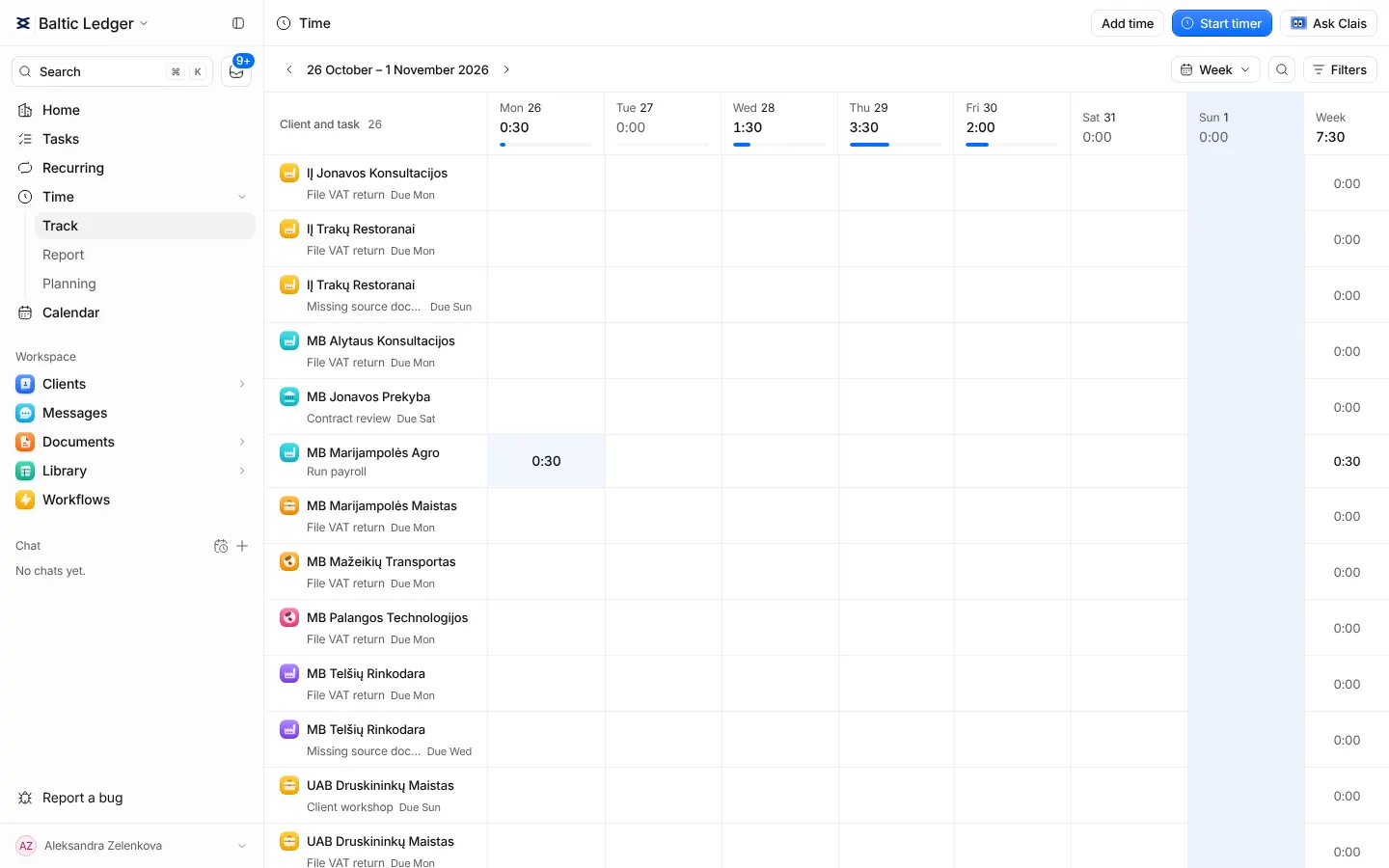
Start a timer from a task, or add time on Track with Add time. A running timer can be paused, and when it stops you review the entry before it is saved. Only saved time counts in the totals.
Track shows your week as a grid of clients and tasks, with each day's total against your capacity, or as a list of entries by day.
Report
Report compares the period with the one before: the time logged, how much of the team's capacity it used, time not linked to any task and the cost of the time. Break it down by clients, tasks or people. Press Ask Clais to ask a question about the period.
Planning
Planning shows each person's load week by week against their capacity, with tasks as bars across the weeks. Tasks without an estimate can be estimated in one dialog.
Capacity comes from each person's hours per month, which owners and admins set in Settings → Team.
On a client
Every client's record has a Time tab: monthly totals, the split by task and by person, and the entries behind them.